

The difference between a good indoor golf experience and a great one often comes down to the details of the setup. Customers can tell when a system is perfectly calibrated and when it’s not. A professional-quality commercial golf simulator installation ensures every shot is tracked accurately and the environment feels immersive, which is what keeps players coming back. In this article, we’ll explore the essential features your simulator needs, from precise ball-tracking technology to a user-friendly interface that’s ready for multiplayer action. We'll guide you through the process of creating a top-tier golf experience that will set your business apart.
Principaux enseignements
- Prioritize Commercial-Grade Durability: A simulator for your business must withstand constant play. Focus on systems with highly accurate tracking technology, durable components like hitting mats and screens, and extensive software options to ensure a reliable and engaging customer experience.
- Budget for the Entire Project, Not Just the Box: The price of the simulator hardware is only the starting point. Your total investment should also include costs for professional installation, any necessary room modifications, and ongoing software or maintenance fees.
- Protect Your Investment with Professional Installation: While a DIY setup might seem tempting, hiring an expert ensures your system is perfectly calibrated for accuracy from day one. This protects your warranty and helps you avoid the technical issues and potential downtime that can impact your business.
What Is a Commercial Golf Simulator Installation?
A commercial golf simulator installation is the complete setup of an indoor golf system designed specifically for business use. Think of it as creating a dedicated space where customers can play full rounds of virtual golf, practice on a driving range, or compete in tournaments, all year round. These installations are popular in places like indoor golf centers, sports bars, and community centers, providing a realistic and entertaining golf experience that attracts customers.
The process involves integrating specialized technology that accurately tracks a player's swing and the ball's flight, then projects that data onto a large screen to simulate playing on a real course. A professional installation ensures all the components work together perfectly, from the sensor that reads your club speed to the software that renders a beautiful fairway. This creates a seamless and immersive experience for every user, whether they're a seasoned pro or a first-time player.
The Key Components of a Commercial Setup
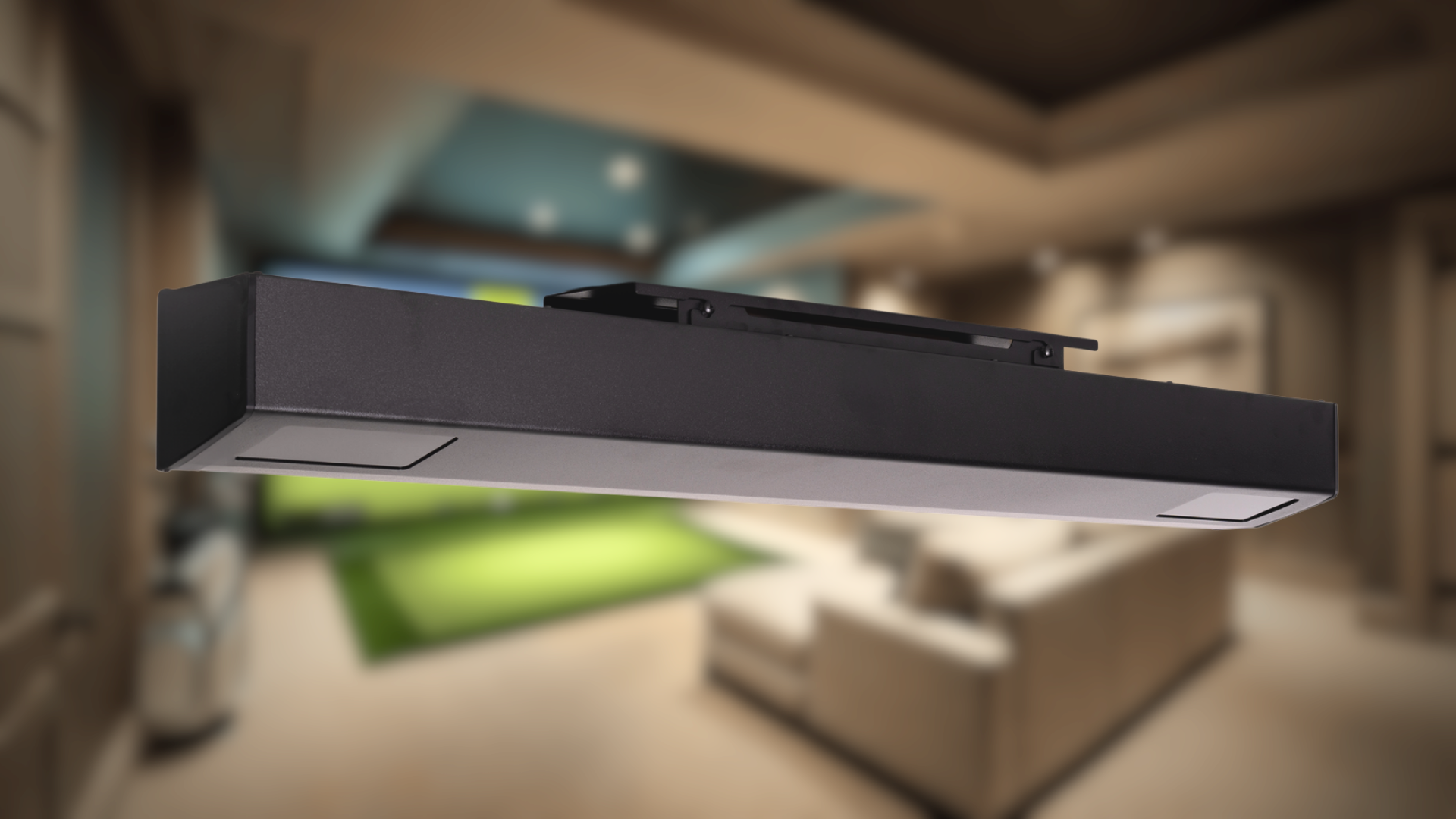
A reliable commercial golf simulator is built from several essential components working in harmony. At the heart of the system are the launch monitors, high-tech devices that track everything about your shot—ball speed, spin rate, and launch angle. This data is what makes the simulation feel real. Next is the hitting mat, which needs to be durable for constant use while providing a realistic feel. The experience comes to life on the impact screen, a heavy-duty screen that absorbs the ball's force while displaying a crisp image from a projector. Finally, the software is the brain, containing the virtual courses, game modes, and player analytics.
Commercial vs. Residential: What’s the Difference?
The biggest difference between commercial and residential setups comes down to purpose and traffic. A commercial simulator is built for high-volume use by a wide variety of players, meaning components must be incredibly durable. The software often needs features for managing bookings and running tournaments. In contrast, a residential simulator is tailored for personal use. While it uses the same core technology, the focus is on fitting a specific space and meeting an individual's practice needs. Whether you're planning a business venture or a personal golf cave, you can customize your golf room to fit your exact specifications and budget.
Exploring the Top Commercial Golf Simulator Brands
Choosing the right brand for your commercial golf simulator is a big decision. The market is filled with excellent options, each with its own technology, features, and price point. Your final choice will depend on your business goals, your budget, and the kind of experience you want to offer your customers. Some systems are known for their tour-level data precision, making them ideal for serious training facilities. Others focus on creating an immersive, fun environment perfect for entertainment venues. The technology itself varies widely, from camera-based systems that capture high-speed images of the ball and club to radar-based units that track the ball's flight through the air.
To help you get a clear picture of what's out there, we'll walk through some of the top names in the industry. We'll look at what makes each brand stand out, from their tracking technology to their software capabilities. Whether you're opening a dedicated indoor golf center, adding a simulator to a sports bar, or upgrading a country club's practice area, understanding these key players is the first step. Let's compare some of the leading golf simulators to find the perfect fit for your commercial space.
Red Stakes Golf Commercial Solutions
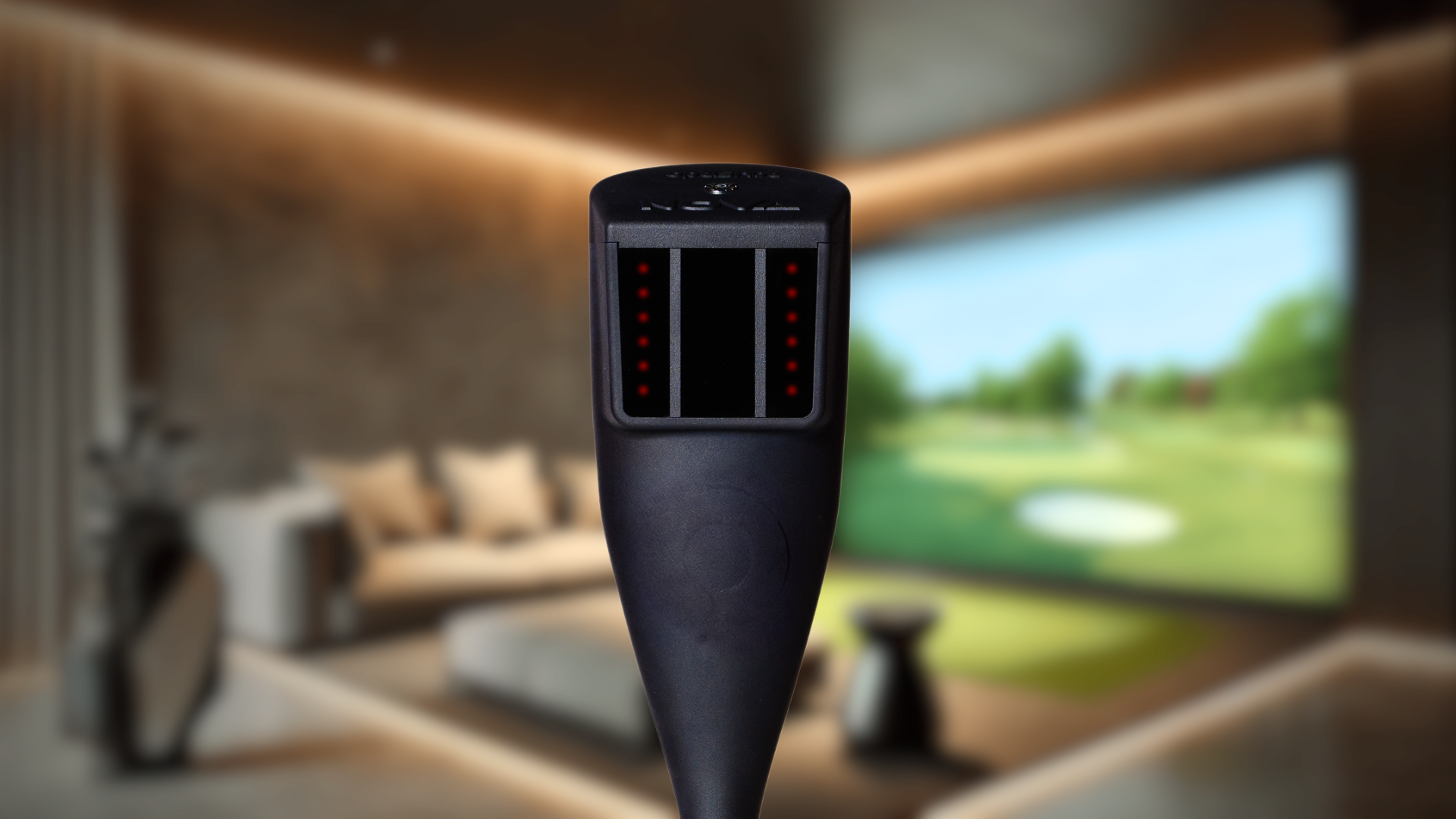
As The American Golf Simulator Company, Red Stakes Golf delivers innovative and accessible simulation experiences. Our systems use advanced camera-based tracking technology to create an immersive environment that’s perfect for both practice and play. We focus on fostering a sense of community, making our simulators a great fit for businesses that want to bring golfers together. The RSG Pro Launch Monitor is a fantastic example of this, integrating cutting-edge tech to provide accurate performance data in a package suitable for commercial use. It’s designed to be reliable, engaging, and provide a high-quality experience that keeps customers coming back.
TrackMan Systems
TrackMan is a name many golfers recognize, largely due to its high-precision radar technology. This system is a favorite in professional and commercial settings because it provides incredibly detailed data on everything from ball flight to club performance. If your business caters to serious golfers who want to fine-tune their game, TrackMan is a strong contender. Their simulators offer real-time feedback, huge libraries of world-famous courses, and customizable practice modes. The brand has built a solid reputation for accuracy and reliability, making it a top choice for facilities that want to offer a premium training experience.
SkyTrak Commercial Options
For businesses looking for a versatile and more budget-friendly solution, SkyTrak is an excellent option. Their launch monitor is known for providing accurate data and is compatible with a wide range of simulation software. This flexibility allows you to offer play on famous courses or set up detailed practice sessions with in-depth analytics. SkyTrak's straightforward setup and user-friendly interface make it a popular choice for golf academies, retail stores, and indoor facilities where ease of use is just as important as performance. It’s a practical and effective way to introduce golf simulation to your customers.
Foresight Sports GCQuad
Foresight Sports offers a premium simulator experience with its GCQuad launch monitor. This system uses four high-speed cameras to capture ball and club data with exceptional accuracy, making it a trusted tool for club fitters and instructors. One of its key advantages is its versatility; the GCQuad is designed for both indoor and outdoor use, giving you more flexibility for your commercial setup. Paired with a wide range of simulation software options, it creates a highly realistic and immersive golfing experience. The GCQuad is built for facilities that demand the highest level of precision.
Full Swing Simulators
Full Swing is known for creating an incredibly realistic and engaging golf experience, which is why it's trusted by pros like Tiger Woods. Their simulators feature advanced technology, including dual-tracking systems that precisely capture both ball and club data for authentic feedback. The graphics are top-notch, making players feel like they’re truly on the course. With a wide variety of famous courses and practice modes, Full Swing simulators are designed for commercial venues that want to provide a premier, entertainment-focused experience. Their commitment to quality and innovation makes them a leading choice for high-end golf facilities.
Must-Have Features for Your Commercial Simulator
When you're investing in a simulator for your business, the features you choose can make or break the customer experience. It’s not just about having a screen and a mat; it's about creating an immersive, reliable, and fun environment that keeps people coming back. The right combination of hardware and software will attract serious golfers looking to hone their skills and casual players seeking a fun night out.
Think about what your target clientele will value most. Are they competitive players who will scrutinize every data point, or are they groups looking for a social activity? Your answers will guide you toward the perfect setup. Let's walk through the essential features every commercial golf simulator should have to ensure you're making a smart investment that pays off.
Prioritize Accuracy and Ball Tracking
In a commercial setting, accuracy is everything. Your customers, especially seasoned golfers, will immediately notice if the simulator doesn't reflect their real-world shots. This is where high-quality launch monitors come into play. They use advanced technology to precisely track ball speed, launch angle, and spin, providing the instant, realistic feedback players need to improve their game. When a player trusts the data, they'll be more engaged and more likely to book another session. Investing in accuracy is investing directly in customer satisfaction and retention, as it shows you're serious about providing a top-tier golf experience.
Look for Robust Software and Extensive Course Libraries
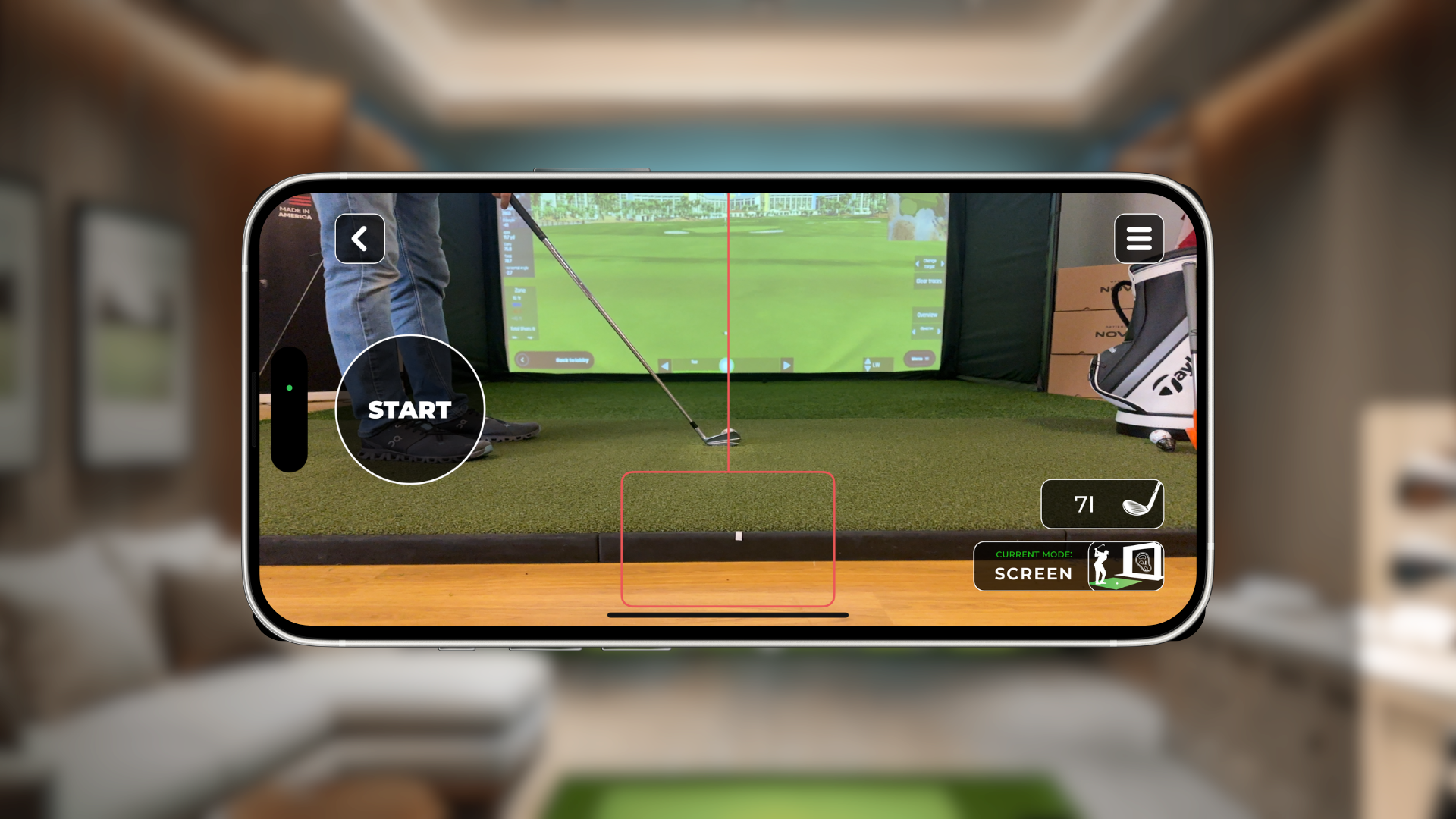
The hardware might capture the swing, but the software brings the experience to life. A simulator with a limited or unrealistic course library will get old fast. Look for a system that offers a wide range of world-famous courses rendered in stunning detail. This variety gives your customers a reason to return, letting them play a new course every time. Beyond the courses, consider other software features like different game modes, online tournaments, and detailed practice ranges. The RSG Mobile app, for example, provides access to a growing library of courses and games right from your device, keeping the experience fresh and exciting.
Choose a System Built for High-Volume Use
Your commercial simulator is going to see a lot of action—far more than a typical home unit. That's why it's critical to choose a system built for durability. Commercial-grade components, from the hitting mat to the screen and sensors, are designed to withstand constant use day in and day out. While it might be tempting to cut costs with a residential model, a system designed for high traffic will save you money on repairs and downtime in the long run. When in doubt, it's always a good idea to contact an expert to discuss which components are best suited for a busy commercial environment.
Ensure an Easy-to-Use, Multiplayer-Ready Interface
No one wants to spend the first 15 minutes of their paid session figuring out how to start a game. A simple, intuitive user interface is essential for a smooth customer experience. Look for a system that is easy for both your staff and your customers to operate. Even better, find one with robust multiplayer options. The ability to easily set up a foursome for a round of stroke play or a fun scramble is a huge draw for groups and parties. Complete simulator bundles often come with everything you need to create a user-friendly, social-ready experience right out of the box, making setup a breeze.
How Much Does a Commercial Golf Simulator Cost?
Figuring out the cost of a commercial golf simulator isn't about finding a single price tag. It’s about understanding the total investment, which includes the equipment, software, installation, and any necessary room modifications. The final cost can vary widely based on the technology you choose and the experience you want to create for your customers. A basic setup might start with a high-quality launch monitor and a simple enclosure, while a premium, fully immersive bay will represent a more significant investment.
The key is to think about the return on that investment. A top-tier simulator can become a major draw for your business, attracting new customers and creating a reliable revenue stream. When you start budgeting, consider the complete picture. Think beyond the initial hardware and factor in potential costs for professional installation, software subscriptions, and preparing your space. At Red Stakes Golf, we specialize in providing exceptional value, offering powerful and durable systems that deliver a premium experience without the premium price. We can help you find the right simulator bundle that fits your business goals and budget.
Understanding Equipment Pricing
The core of your cost will be the simulator equipment itself. Prices generally fall into a few key tiers. Basic commercial-ready systems can start around a few thousand dollars, while more advanced mid-range options typically land between $5,000 and $20,000. These often include a more accurate launch monitor, a durable impact screen, and a high-quality projector. For a truly top-of-the-line, professional-grade system with the most precise tracking and realistic graphics, you could be looking at an investment of $50,000 or more. The right choice depends entirely on your business model, target clientele, and how central the simulator will be to your operations.
Factoring in Installation Labor
While the equipment is the main event, don't overlook the cost of professional installation. A commercial setup involves more than just plugging in a few components. It requires precise calibration, secure mounting of screens and projectors, and clean wiring to ensure safety and a professional appearance. While you might be tempted to handle it yourself, hiring an expert saves you valuable time and prevents costly mistakes. Professional installers ensure everything is optimized for performance and durability, which is critical in a high-traffic commercial environment. Think of it as an investment in reliability and peace of mind. You can always contact an expert to get a clear idea of what to expect.
Budgeting for Your Space and Setup
The physical space for your simulator is a crucial part of your budget. You'll need a room with adequate dimensions—a good rule of thumb is a minimum of 10 feet high, 15 feet wide, and 20 feet deep. If your current space doesn't meet these requirements, you’ll need to factor in renovation costs. This could include anything from raising a ceiling to building out a dedicated room. Beyond the basic structure, consider costs for flooring, lighting, and any electrical work needed to support the projector and other electronics. Our Build Your Golf Room tool can help you visualize and plan for these elements from the start.
Exploring Financing and Leasing Options
A commercial golf simulator is a significant business asset, and you don't have to pay for it all at once. Many businesses take advantage of equipment financing to make the investment more manageable. Financing and leasing options allow you to spread the cost over several months or years, preserving your cash flow for other operational needs. Many financing plans require little to no money down and can even bundle in the costs of shipping and installation. With terms often ranging from 12 to 24 months and competitive interest rates, financing makes it possible to get the ideal setup for your business without a massive upfront capital expense.
Professional vs. DIY Installation: Which Is Right for You?
Once you’ve chosen your commercial golf simulator, the next big decision is how to get it up and running. You can either hire a professional team to handle the setup or take on the project yourself. Both paths have their merits, and the right choice depends on your budget, timeline, and technical comfort level. A DIY approach can save you money upfront, but it requires time, patience, and a bit of technical skill. On the other hand, professional installation offers peace of mind and ensures your system performs at its best from the very first swing. Let's break down the key factors to consider so you can make a confident choice for your business.
The Pros of Professional Installation
Hiring a professional installer is about more than just saving yourself some heavy lifting. These experts bring a deep understanding of simulator technology and know how to optimize every component for peak performance. They handle everything from mounting the projector and screen to calibrating the launch monitor, ensuring every reading is precise. This expertise saves you a significant amount of time and eliminates the guesswork that can lead to frustration. A professional service ensures your setup is accurate and ready for your customers from day one, giving you a polished, reliable experience that reflects well on your business. If you want to ensure a perfect setup, it's always a good idea to contact an expert.
The Risks of a DIY Approach
While building your own simulator setup can be a rewarding project, it’s not without its challenges. Golf simulators are complex systems, and a successful installation requires careful attention to detail. One of the most common issues with a DIY setup is misalignment or improper calibration of the launch monitor and sensors. Even small errors can lead to inaccurate shot data, which undermines the entire experience for your customers. The process can also be more time-consuming than you might expect, taking you away from other important aspects of running your business. Before you commit to a DIY installation, honestly assess your technical skills and the time you can dedicate to the project.
Don't Forget Warranty and Support
One of the most important, yet often overlooked, aspects of installation is its impact on your product warranty. Many manufacturers require professional installation to keep the warranty valid. A DIY setup that results in damaged components could leave you responsible for the full cost of repairs or replacements. Professional installation not only protects your investment but also gives you a direct line of support if any issues arise. You can rest easy knowing that your system was assembled correctly and that your warranty is intact, allowing you to focus on providing a fantastic experience for your clients with your new golf simulator.
A Look at the Installation Process
Seeing your commercial golf simulator come to life is an exciting process. While every project is unique, the installation generally follows a clear, three-step path from an empty room to a fully functional golf bay. Understanding these stages helps you know what to expect and how to prepare your space for a smooth and efficient setup. A professional installation team handles the technical details, but being familiar with the process ensures you can work with them effectively to bring your vision to life. From initial measurements to final calibration, each step is designed to create a high-performance, reliable simulator that will impress your customers from their very first swing. Let's walk through what the installation journey looks like.
Step 1: Planning and Site Assessment
Before any equipment arrives, the most important work happens: planning. This is where you and the installation team map out the perfect setup for your specific space. The first thing to consider is the room's dimensions. You’ll need a ceiling that’s at least nine feet high to give players enough clearance for a comfortable, full swing without any hesitation. Beyond height, the room's width and depth must accommodate the screen, enclosure, and a safe area for players to swing and move. A thorough site assessment ensures every component will fit perfectly and function at its best. If you're unsure about your space, you can always contact an expert to get a professional opinion.
Step 2: Delivery and Setup
Once the plan is locked in, it’s time for the hardware to arrive. This is when you’ll see the simulator start to take shape. Professional installers will get to work assembling the enclosure, mounting the projector, installing the impact screen, and setting up the launch monitor and computer systems. They work from a detailed layout created during the planning phase to ensure every piece of equipment is positioned for optimal performance and safety. This professional handling is key, as it prevents common setup errors that could affect gameplay or even damage the equipment. It’s the most hands-on part of the process, transforming your empty space into a recognizable golf simulator bay.
Step 3: Calibration and Final Testing
With everything assembled, the final step is to dial in the system for precision. Calibration is the process of fine-tuning the launch monitor and software to ensure they accurately capture and translate every shot into the virtual world. This is what makes the experience feel real and gives players trustworthy data. A professional team will run a series of tests to confirm that ball flight, spin rates, and distances are all reading correctly. This final check also ensures your system is set up according to manufacturer specifications, which is often necessary to keep your warranty valid from day one. After successful testing, your simulator is officially ready for business.
How to Prepare for Common Installation Challenges
Even the most straightforward installation can hit a few snags. Thinking through potential issues ahead of time will save you a lot of stress and ensure your launch goes off without a hitch. From the physical space to the tech that powers it, here’s how you can prepare for the most common challenges and create a seamless experience for your customers from day one.
Solving for Space and Ceiling Height
Before you even think about equipment, you need to confirm your space is suitable. The most common roadblock is not having enough room, especially when it comes to ceiling height. To allow for a full, unrestricted golf swing, you’ll need a ceiling that’s at least nine feet high, though ten is even better. The ideal room dimensions are at least 15 feet wide and 20 feet deep. This gives you enough space for the enclosure, a safe distance from the screen, and room for players to move comfortably. If you’re unsure whether your space will work, you can always build your golf room virtually to see how everything fits.
Getting the Lighting and Acoustics Right
Lighting and sound are often overlooked, but they are critical for performance and the overall customer experience. The lighting in your simulator room needs to be just right—not too bright and not too dark—to ensure the launch monitor can accurately track the ball. Poor lighting can lead to missed shots and frustrating inaccuracies. Similarly, acoustics matter. A room with a lot of echo can feel cavernous and distracting. Adding some sound-dampening materials can make the experience more immersive for your players and less noisy for anyone in adjacent rooms. Getting these elements right is key to creating a professional environment.
Avoiding Tech Compatibility Headaches
A golf simulator is a system of interconnected components: the launch monitor, computer, projector, and software all need to communicate flawlessly. Getting them all to play nicely together can be a major headache if you’re not familiar with the technology. This is where professional installers really shine, as they have the expertise to ensure all your components are compatible and configured correctly. Choosing an integrated system like the RSG Pro can simplify the process, but having an expert handle the final setup guarantees a smooth, frustration-free start.
Planning for Maintenance and Customer Experience
Your work isn’t done once the simulator is installed. To keep your system in top shape and protect your investment, you’ll need a plan for ongoing maintenance. This includes regular cleaning of lenses and sensors, keeping the software updated, and performing occasional calibrations. For a commercial setup, you also need to think about the customer experience. Having reliable support is essential when you have paying customers. Make sure you have access to great technical support to quickly resolve any issues that might pop up during business hours.
Articles connexes
- Garage Golf Simulator: Your Complete 2025 Guide
- How Much Does a Commercial Golf Simulator Cost?
- How to Build a DIY Home Golf Simulator (Guide)
- Garage Golf Simulator : Le guide d'installation ultime
- Golf Simulator Cost: The Complete 2025 Buyer's Guide
Questions fréquemment posées
How much space do I actually need for a commercial simulator? For a comfortable and safe experience, you should plan for a room with a ceiling that is at least 10 feet high. This gives most players enough clearance to swing a driver without feeling restricted. The room should also be at least 15 feet wide to accommodate both right- and left-handed players and about 20 feet deep to provide a safe distance between the player and the screen.
Can I just use a home simulator for my business to save money? While it might seem like a good way to cut costs, using a residential simulator in a commercial setting is not a great idea. Commercial-grade systems are built with more durable components, from the hitting mat to the impact screen, to handle constant, daily use. Using a home unit will likely lead to frequent repairs and downtime, and it could even void your warranty, costing you more in the long run.
How long does a typical professional installation take from start to finish? The hands-on installation process is surprisingly quick. Once your space is prepared and the equipment is delivered, a professional team can often complete the full setup, calibration, and testing in just one to three days. The most time-consuming part of the process is usually the initial planning and any renovations your space might need before the team arrives.
What kind of ongoing maintenance should I expect after the installation is complete? Maintaining your simulator is straightforward and key to protecting your investment. You'll want to perform regular, simple tasks like cleaning the projector lens and launch monitor cameras to ensure they are free of dust. It's also a good practice to keep the hitting area clean, check that all cables are secure, and install software updates as they become available to keep your system running smoothly.
How do I know which simulator is right for my business—a sports bar versus a serious training facility? The best simulator depends entirely on your customers. If you're opening an entertainment-focused venue like a sports bar, prioritize a system with an intuitive interface, a wide variety of fun, multiplayer game modes, and extremely durable hardware. For a dedicated training facility, your focus should be on data accuracy. Look for a launch monitor that provides precise, in-depth analytics on things like club path and ball spin to help serious golfers improve their game.